
You’ve just tucked your newborn into their crib for the third time tonight, tip-toeing out of the nursery while glancing back to make sure their chest is rising and falling. For many parents, a baby monitor is the tool that turns that low-grade, 2 a.m. anxiety into restful sleep, letting you check in on your little one without disturbing their rest. But baby monitors are not set-it-and-forget-it devices: improper setup, unsecured tech, or ignored safety guidelines can turn a peace-of-mind tool into a source of risk, from physical nursery hazards to privacy breaches. This guide breaks down the latest, expert-backed baby monitor safety guidelines for 2026, with actionable top tips for parents to keep their child safe, their data private, and their household stress low.
Understanding Baby Monitor Types and Core Risks
A baby monitor is a device that lets you hear or see your infant from another room, with options ranging from simple audio-only units to Wi-Fi-enabled cameras that stream live footage to your smartphone. All monitors carry three core risk categories: physical safety hazards in the nursery, digital privacy breaches, and low-level EMF radiation exposure. Understanding these risks is the first step to choosing and setting up a device that works for your family. For more on this, see our guide on baby monitor radiation explained safety tips for parents.
 Source: momcozy.com
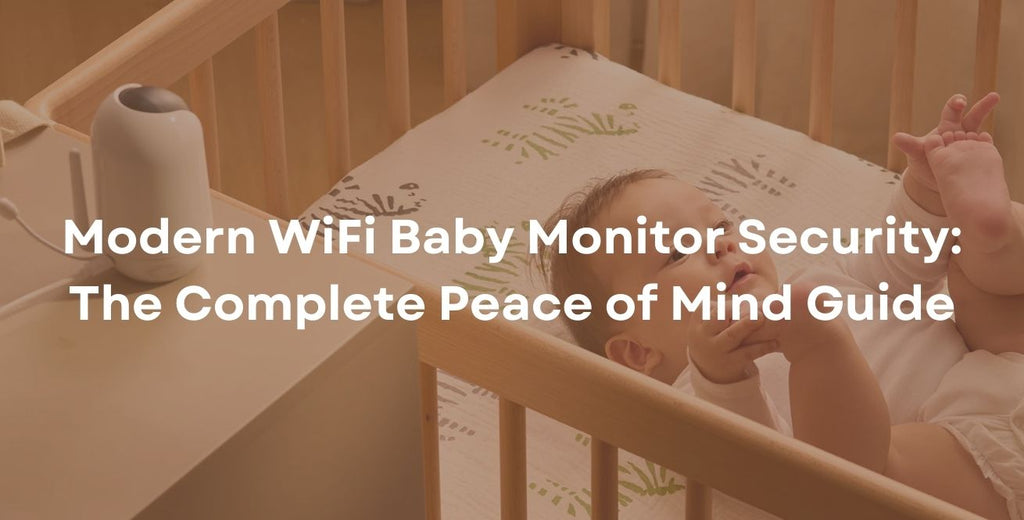
A Wi-Fi baby monitor streams live footage to a parent's phone for remote check-ins
Source: momcozy.com
A Wi-Fi baby monitor streams live footage to a parent's phone for remote check-ins
Different monitor technologies carry different risk profiles: analog audio models are low-risk for privacy but can pick up signals from neighboring homes, while digital DECT and FHSS models use frequency-hopping to reduce interference and eavesdropping. Wi-Fi monitors offer remote access but require extra cybersecurity steps to protect private footage. If you’re deciding between different tech options, reviewing the audio and video differences can help you pick a model that aligns with your safety priorities.
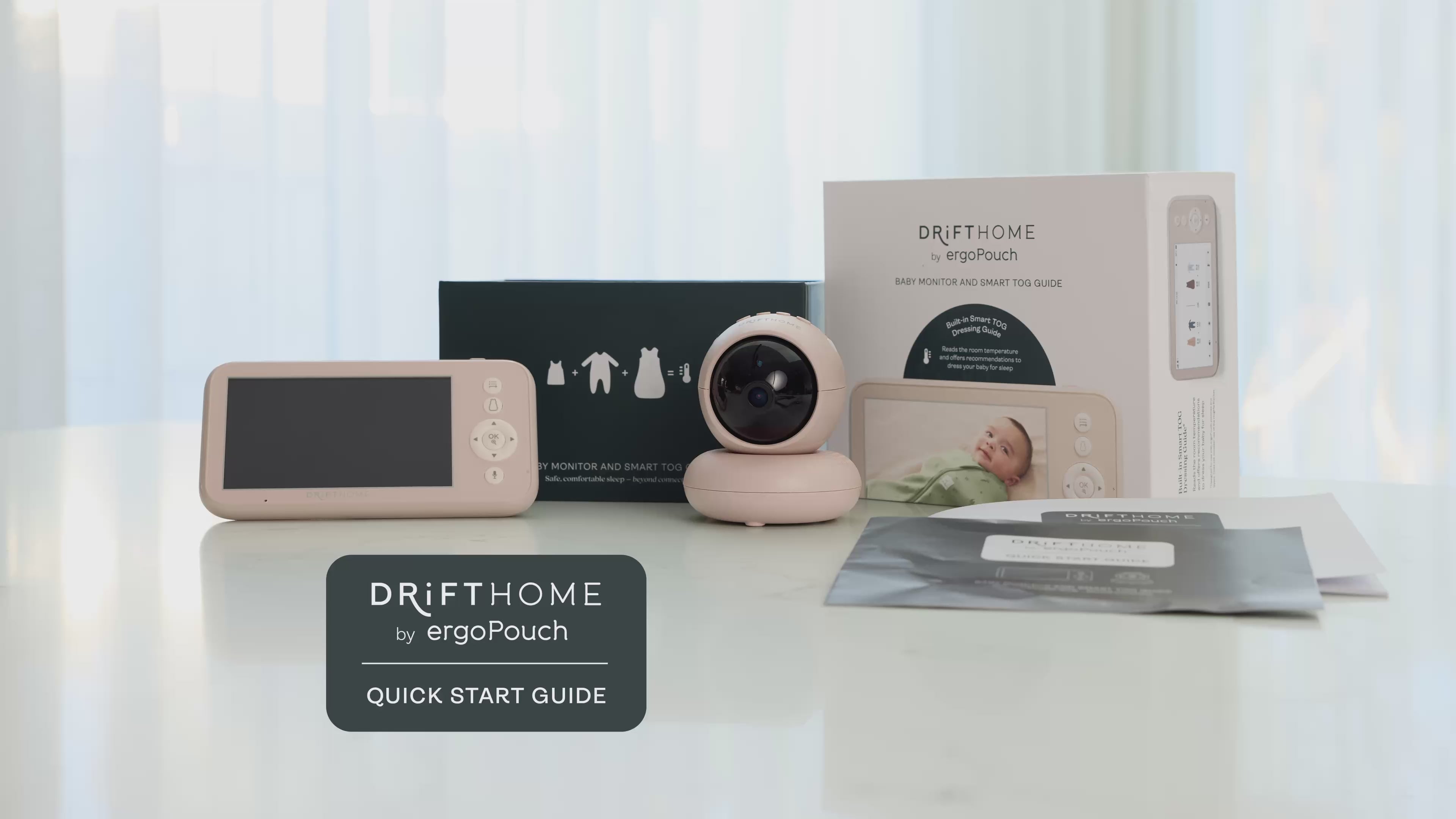
 Source: ergopouch.com
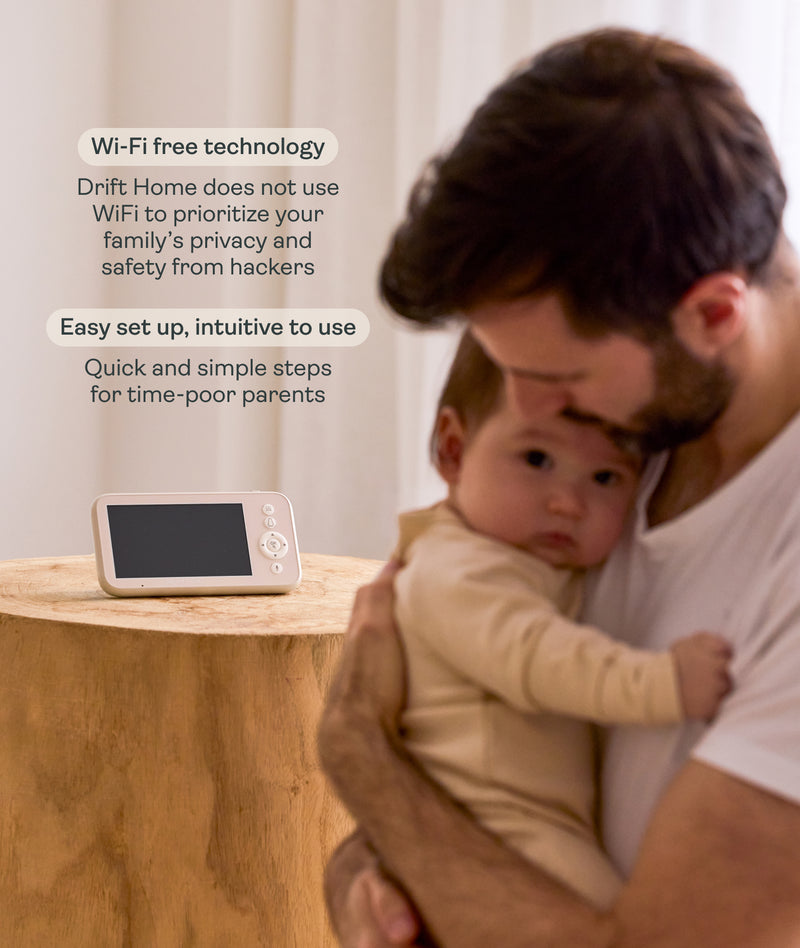
Key safety risks include physical hazards, privacy breaches, and EMF exposure
Source: ergopouch.com
Key safety risks include physical hazards, privacy breaches, and EMF exposure
Non-Negotiable Physical Safety Guidelines
Physical hazards are the most immediate risk posed by baby monitors, with the CPSC issuing multiple recalls for units with cord strangulation and tip-over risks over the past five years. Proper setup eliminates nearly all of these dangers, and follows the same core rules as general crib safety: no loose items, no cords within reach, and all devices secured to stable surfaces. For more on this, see our guide on baby stroller sitting tips expert guidelines.
Cord and Hardware Safety
Cords are the leading cause of monitor-related injuries, as they can wrap around a baby’s neck or pull a monitor into the crib if grabbed by a curious infant. Follow these concrete steps to eliminate cord risks:
- Keep all monitor cords at least 3 feet away from the crib perimeter, per CPSC guidance, using cord shorteners, clips, or cord covers to tuck them along wall molding or behind furniture.
- Never route cords over or under the crib mattress, and avoid using extension cords near the sleep space entirely.
- Use wall anchors rated for your monitor’s weight when mounting, and never rely on adhesive strips alone for heavier units. Check mounts and cords monthly for fraying, loose fittings, or wear.
Safe Placement and Mounting
A common mistake we see in nursery safety audits is parents mounting cameras on crib railings or soft surfaces to get a closer view of their baby, which creates immediate suffocation and tip-over risks. Follow these placement rules to keep your monitor useful and safe:
- Mount cameras on a stable wall or dresser at least 6 feet high and 3 feet away from the crib, with the lens angled to cover the entire sleep space without pointing infrared lights directly at your baby’s face.
- Never place cameras inside the crib, on crib railings, or on unstable surfaces that can be pulled down.
- Keep the sleep space completely free of loose items, including monitor units, stuffed animals, and blankets, per AAP safe sleep guidance.
 Source: alibaba.com
Proper cord management eliminates strangulation and tip-over hazards
Source: alibaba.com
Proper cord management eliminates strangulation and tip-over hazards
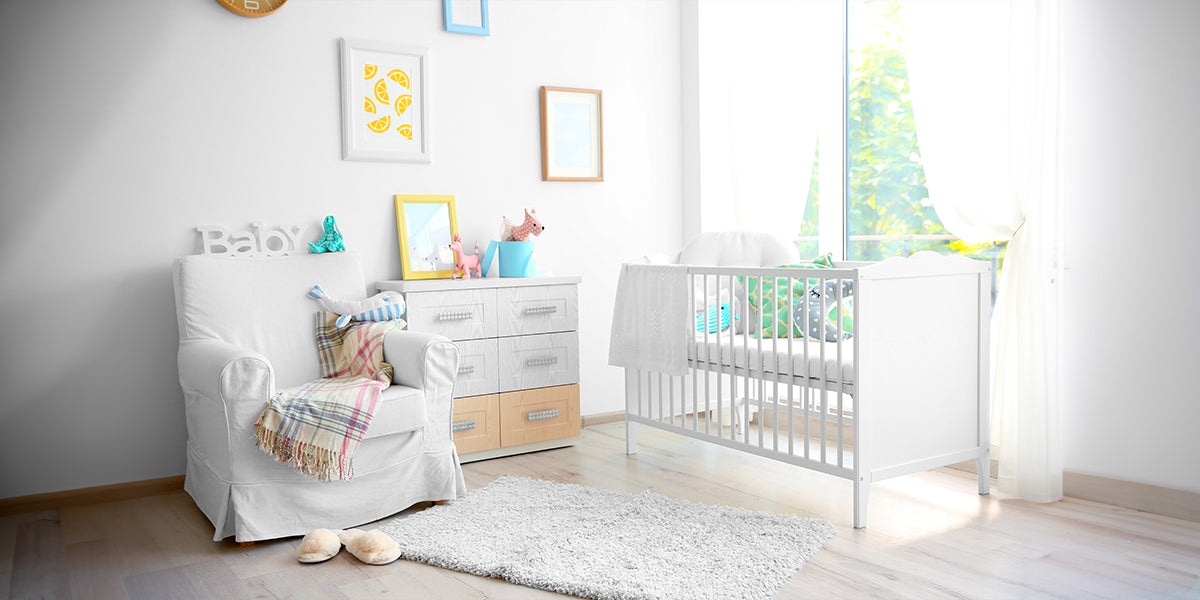
 Source: getlabtest.com
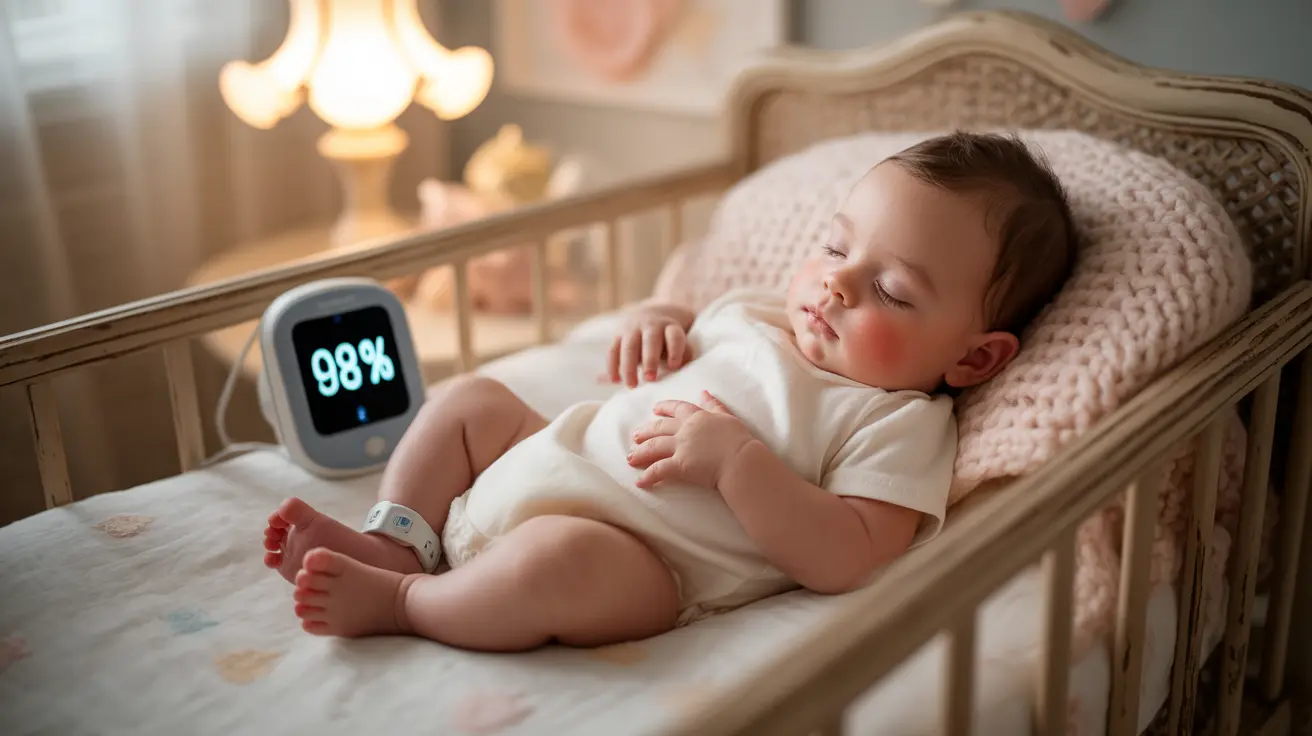
Proper placement keeps the monitor out of baby's reach while providing full crib coverage
Source: getlabtest.com
Proper placement keeps the monitor out of baby's reach while providing full crib coverage
Travel and Temporary Nursery Setup
Traveling with a baby monitor adds unique safety considerations, from unfamiliar nursery layouts to insecure public networks. When staying in a hotel or rental, first inspect the room for loose cords, unstable furniture, and outlets within reach of the temporary sleeping space. Avoid plugging the monitor into outlets behind curtains or soft furnishings that could catch fire if the unit overheats. For Wi-Fi monitors, never connect to open hotel or public networks, which can expose your feed to unauthorized access. Instead, use a mobile hotspot or a local-only monitor that does not require internet connectivity. After returning home, change your monitor's password and review app permissions to remove any temporary access granted to shared devices.
Securing Your Baby Monitor's Digital Privacy
Wi-Fi baby monitors are a prime target for hackers, as they offer access to private, real-time footage of your home and child. The CPSC has repeatedly warned of security vulnerabilities in off-brand Wi-Fi cameras that allow attackers to access live feeds without authentication, a risk that persists for uncertified, low-cost models sold online. Even reputable brands can be compromised if users fail to follow basic security protocols. For official guidance on securing smart home devices, refer to the CPSC's official nursery safety recommendations.
Core Cybersecurity Steps
Follow these steps to lock down your monitor’s security and protect your family’s privacy:
- Change default usernames and passwords immediately after setup, using a unique, complex password stored in a password manager. Never reuse passwords from other accounts.
- Enable end-to-end encryption for all video and audio streams, and turn on two-factor authentication (2FA) for your monitor's companion app if available.
- Keep your monitor's firmware and companion app updated to the latest version, as updates often patch critical security vulnerabilities.
- Connect your monitor to a dedicated guest Wi-Fi network, separate from the network you use for banking, work, and personal devices, to limit exposure if the monitor is compromised.
- Disable cloud storage and remote access features if you only need to use the monitor within your home, eliminating the risk of cloud data breaches entirely.
Apartment and Multi-Unit Living Risks
Families living in apartments or multi-unit housing face unique digital and physical risks for baby monitors. Dense Wi-Fi congestion can cause lag or dropped feeds for Wi-Fi models, while analog and older digital monitors may pick up signals from neighboring units, creating privacy risks. To mitigate this, choose a monitor with FHSS (Frequency Hopping Spread Spectrum) technology, which jumps between channels to avoid interference and reduce signal leakage to adjacent units. If you use a Wi-Fi monitor, run a speed test in the nursery to ensure your network can support consistent streaming without dropouts.
 Source: ergopouch.com
Strong network security prevents unauthorized access to monitor feeds
Source: ergopouch.com
Strong network security prevents unauthorized access to monitor feeds
Managing EMF and Radiation Exposure
All electronic baby monitors emit low levels of electromagnetic fields (EMF), a type of non-ionizing radiation also produced by Wi-Fi routers, cell phones, and household appliances. Major global health bodies, including the World Health Organization (WHO) and the U.S. Federal Communications Commission (FCC), state that typical household EMF exposure from baby monitors is well below safety limits for the general public, but many parents still prefer to minimize unnecessary exposure for their infants.
How Different Monitors Emit EMF
EMF output varies drastically by monitor type:
- Wi-Fi monitors that stream continuous video and audio emit higher levels of EMF than audio-only models that only transmit when sound is detected, as they run constant data transfers to your router or cloud servers.
- DECT and FHSS audio monitors are designed for low-power, intermittent transmission, resulting in lower overall EMF output than continuous Wi-Fi streams.
- Local video monitors that use a dedicated, internet-free receiver fall in the middle, emitting less EMF than Wi-Fi models but more than basic audio units.
Reducing Exposure at Home
To minimize EMF exposure, follow these simple, evidence-based steps:
- Keep all monitor components at least 3 feet away from the crib, as EMF strength drops sharply with distance. Every additional foot of separation reduces exposure to a measurable degree.
- Avoid placing monitors inside the crib or within arm’s reach of your baby’s head, and opt for battery-powered units when possible to reduce cord-related EMF emission near the sleep space.
- If EMF exposure is a top priority for your family, audio-only or local video monitors that do not require constant internet connectivity are the lowest-emission options.
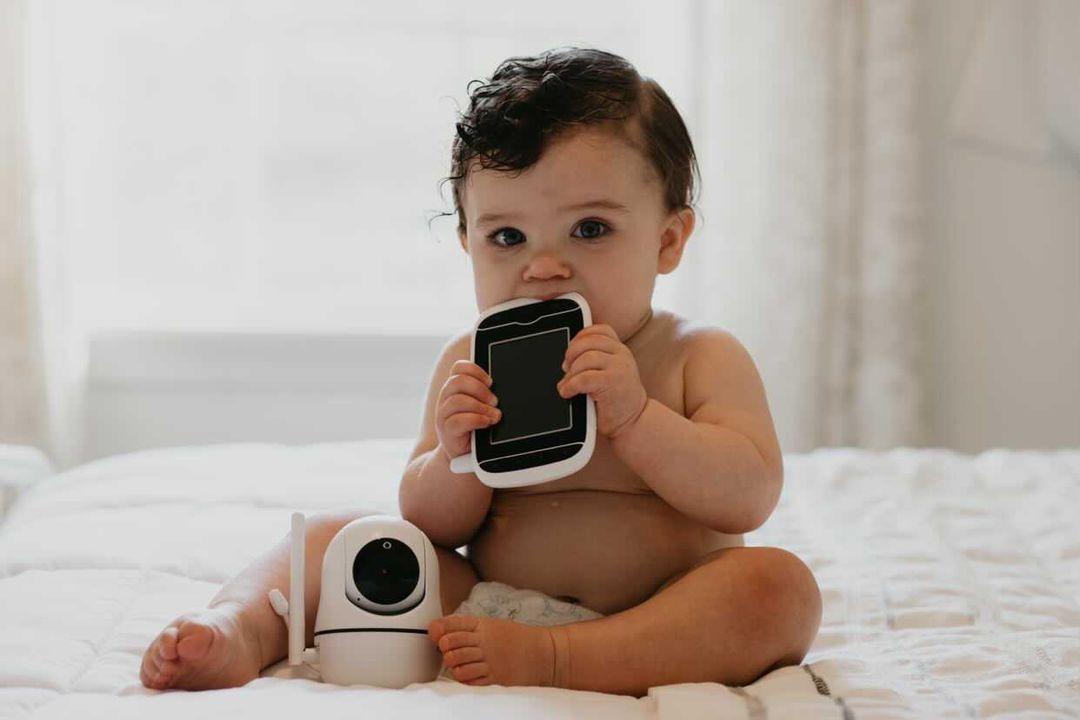 Source: hellobaby-monitor.com
Testing EMF output helps parents choose low-emission monitor models
Source: hellobaby-monitor.com
Testing EMF output helps parents choose low-emission monitor models
Choosing the Safest Baby Monitor for Your Family
No single monitor type is perfect for every family, so weighing your top priorities—privacy, EMF reduction, range, and remote access needs—will help you pick the best option. All recommended models meet CPSC safety standards, but their risk profiles vary significantly.
Best Low-Risk Options by Priority
- For maximum privacy and lowest EMF: Audio-only DECT or FHSS monitors are the top choice, with no video feed to hack and no need for internet connectivity. Brands like VTech Safe & Sound and Philips Avent offer reliable, low-emission audio models with years of positive safety records.
 Source: iegeek.com
Audio monitors eliminate video hacking risks and reduce EMF exposure
Source: iegeek.com
Audio monitors eliminate video hacking risks and reduce EMF exposure
- For visual reassurance without privacy risk: Local video monitors use a dedicated, internet-free receiver to stream footage, keeping all data off the cloud and completely inaccessible to hackers. Infant Optics offers popular modular local video models that let you customize camera and receiver components.
 Source: momcozy.com
Video monitors require extra security steps to protect private footage
Source: momcozy.com
Video monitors require extra security steps to protect private footage
- For remote access needs: If you need to check on your baby while away from home, choose a reputable Wi-Fi monitor brand with a track record of security updates and end-to-end encryption, like Nanit, Miku, or Google Nest Cam. Always enable all available security features after setup, and prioritize models that offer local storage as an alternative to cloud storage.
When weighing monitor type tradeoffs, consider your family’s daily routine: if you rarely leave the house, a local video or audio-only model may be all you need, while frequent travelers may prioritize a secure Wi-Fi model with remote access.
Using Baby Monitors to Support Healthy Sleep
Baby monitors are designed to support restful sleep for the whole family, but improper use can actually increase anxiety and disrupt sleep cycles for both parents and babies. A common mistake is leaving the monitor's video feed on all night, which can lead parents to overreact to normal baby movements, like stirring or light fussing, that do not require intervention.
Follow these tips to use your monitor as a sleep support tool, not a source of stress:
- Use motion and sound alerts instead of continuous viewing: Configure your monitor to only notify you when it detects sustained crying or unusual movement, so you don’t feel pressured to check the feed every time your baby shifts in their sleep.
- Avoid using the monitor to track breathing or sleep patterns unless explicitly recommended by your pediatrician: The official AAP safe sleep guidance does not recommend at-home breathing monitors for SIDS prevention, as they can give false reassurance and increase parental anxiety.
- Keep the monitor's speaker volume low enough that you can hear genuine cries without being startled by every small noise, and turn off status lights or sounds that could disturb your baby's sleep.
- Use the monitor to observe sleep trends over time, not to intervene in normal sleep cycles: If you notice persistent changes in your baby's sleep patterns, consult your pediatrician rather than relying on the monitor to self-diagnose issues.
 Source: hellobaby-monitor.com
Using alerts instead of constant viewing reduces parental anxiety and sleep disruption
Source: hellobaby-monitor.com
Using alerts instead of constant viewing reduces parental anxiety and sleep disruption
Common Baby Monitor Safety Mistakes to Avoid
Even experienced parents make avoidable mistakes with baby monitor setup and use. Steer clear of these common errors to keep your child and your family’s privacy safe:
- Mounting the monitor too close to the crib: A camera placed on a low shelf or crib railing is within baby's reach, creating a tip-over and suffocation risk. Always mount monitors at least 3 feet away from the crib and at least 6 feet high.
- Using default or weak passwords: The vast majority of documented baby monitor hacks involve default passwords or reused credentials from other accounts, making strong, unique passwords the single most important cybersecurity step for parents.
- Buying unbranded, uncertified monitors: Off-brand models often skip security updates, use weak encryption, and may not meet CPSC safety standards, increasing both physical and digital risk.
- Ignoring firmware updates: Updates often patch critical security vulnerabilities, so enabling automatic updates or checking for new versions monthly is non-negotiable for Wi-Fi models.
- Using the monitor as a substitute for physical checks: No monitor can replace in-person checks for breathing, temperature, or comfort, especially for newborns and high-risk infants.
If you’re unsure picking between audio and video models for your nursery, prioritize your family’s top safety concerns first, whether that’s privacy, EMF reduction, or ease of use.
Frequently Asked Questions
Are baby monitors safe for newborns?
Yes, when used correctly. Follow AAP safe sleep guidelines by keeping all loose items, including monitor cords and units, out of the crib. Place monitors at least 3 feet from the sleep space, and use them to supplement, not replace, in-person parental checks.
Do baby monitors emit harmful EMF radiation?
All baby monitors emit low-level non-ionizing EMF, which is well below safety limits set by the FCC and WHO. Wi-Fi models emit more than audio-only DECT or FHSS units, but keeping devices at least 3 feet from the crib reduces exposure to negligible levels.
Can Wi-Fi baby monitors be hacked?
Yes, if not properly secured. Most hacks exploit weak default passwords, unencrypted feeds, or outdated firmware. Changing default credentials, enabling end-to-end encryption and 2FA, and using a dedicated guest Wi-Fi network drastically reduce hacking risk.
How far should a baby monitor be placed from a crib?
The CPSC and AAP recommend placing all monitor components—cameras, speakers, and cords—at least 3 feet away from the crib perimeter. This reduces strangulation, tip-over, and suffocation risks, while also lowering EMF exposure near your baby's sleep space.
Is an audio-only baby monitor safer than a video model?
Audio-only monitors have lower privacy and EMF risks, as they have no video feed to hack and no need for continuous internet streaming. They are a great low-risk option for parents focused on privacy, though video monitors offer added reassurance for caregivers who prefer visual check-ins.
How often should I update my baby monitor's firmware?
Check for firmware and app updates monthly, and enable automatic updates if available. Manufacturers release patches to fix security vulnerabilities and improve performance, so staying up to date is critical for protecting your family's privacy and device safety.
Conclusion
Baby monitors are one of the most useful tools for new parents, offering peace of mind and support for safe sleep when used correctly. By following these 2026 baby monitor safety guidelines, you can eliminate physical hazards, protect your family's digital privacy, and minimize unnecessary EMF exposure. Prioritize secure setup, choose a monitor type that aligns with your family's needs, and always use the device as a supplement to in-person care and AAP-recommended safe sleep practices. If you have specific concerns about your nursery setup, consult your pediatrician or a certified child safety expert for personalized guidance. For more in-depth guidance on choosing the right baby gear for your family, browse our full library of parenting safety resources.

Emma Grace is a devoted mother and passionate content writer at BestBabyCart.com. With firsthand parenting experience and a love for research, she creates helpful guides and honest reviews to support parents in choosing the best for their babies. Her goal is to make parenthood easier, one article at a time.