
Choosing the right baby monitor feels high-stakes: you want to stay connected to your little one’s needs without introducing new risks to their safety, privacy, or sleep. The “safer” choice between video and audio models isn’t as simple as picking the one with more features—it depends on your family’s unique priorities, from reducing electromagnetic field (EMF) exposure to protecting your home’s private data.
As of 2026, updated guidance from U.S. safety regulators and independent consumer testing groups has clarified the real trade-offs between these two monitor types, moving beyond marketing claims to focus on verified safety performance. Below, we break down the core differences, hidden risks, and expert-backed best practices to help you make an informed choice. You can also read our guide on best non toxic diapers for babies.
What Is a Baby Monitor, and What Does “Safe” Mean Here?
A baby monitor is a transceiver device that captures audio (and sometimes video) from your baby’s nursery and transmits it to a parent unit or smartphone app, alerting you to cries, movements, or other needs without requiring you to be in the same room. While all legally sold baby monitors in the U.S. meet baseline Federal Communications Commission (FCC) and Consumer Product Safety Commission (CPSC) standards, “safety” for these devices extends beyond basic regulatory compliance to cover four key pillars:
- Low risk of physical harm (strangulation from cords, overheating, EMF exposure)
- Protection of private family data from unauthorized access
- Minimal disruption to your baby’s sleep and developmental needs
- Reliable performance to avoid missed critical alerts
Understanding these pillars will help you evaluate which monitor type aligns with your family’s safety priorities.
Core Baby Monitor Types: Audio vs. Video
Baby monitors fall into two broad categories, each with distinct subtypes, safety profiles, and use cases.
Audio-Only Baby Monitors
Audio-only monitors transmit only sound from the nursery to a parent receiver, with no camera component. They are the simplest, most low-profile option, and come in three main subtypes:
- Analog audio: Low-cost, open-radio-frequency models that are prone to interference from other household devices, with no built-in encryption. They emit very low EMF, but carry a small risk of signal interception.
- Digital DECT audio: The most popular audio subtype, using frequency-hopping spread spectrum (FHSS) technology to encrypt signals, eliminate interference, and reduce EMF exposure. Most have a range of 1,000–1,500 feet indoors.
- Hybrid audio with sensors: Basic models that add non-video features like room temperature monitoring or movement alerts, with no camera component.
As of 2026, independent testing confirms all top-rated digital DECT audio models emit EMF levels well below FCC limits, with no reported safety incidents related to EMF exposure for this category. Their lack of a camera also eliminates all visual privacy risks entirely.
| Feature | Analog Audio | Digital DECT Audio |
|---|---|---|
| Typical Price | <$40 | $50–$120 |
| Encryption | None | Yes, FHSS technology |
| Interference Risk | High | Low |
| EMF Emission | Very low (<0.1 W/kg SAR) | Very low (<0.1 W/kg SAR) |
| Indoor Range | 800–1,200 feet | 1,000–1,500 feet |
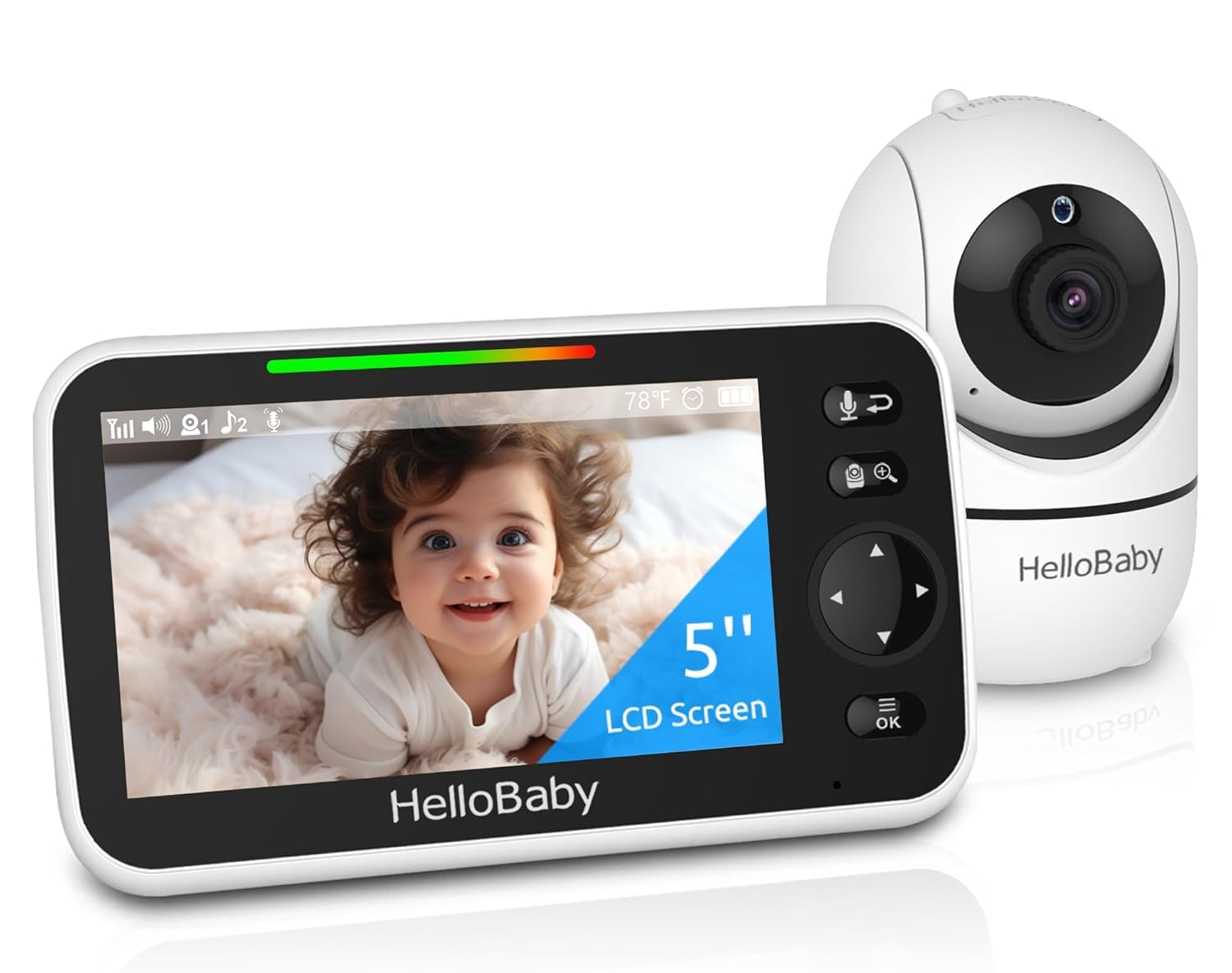 Audio monitors are compact and free of camera-related hazards, while video models add visual reassurance at the cost of extra components.
Image source: www.amazon.com
Audio monitors are compact and free of camera-related hazards, while video models add visual reassurance at the cost of extra components.
Image source: www.amazon.com
Video Baby Monitors
Video monitors combine a camera, microphone, and transmitter to send both audio and live video footage to a parent unit or smartphone app. They also fall into three main subtypes:
- Non-Wi-Fi RF video: Uses dedicated, encrypted radio frequencies (no internet connection required) to transmit footage locally to a parent unit. These have very low hacking risk, as they never connect to external networks.
- Wi-Fi enabled video: Connects to your home Wi-Fi network to allow remote access via a smartphone app from anywhere with internet. These offer the most convenience but carry higher privacy risk if not properly secured.
- Smart video monitors: High-end models with AI features like breathing tracking, sleep coaching, or cry analysis, most of which require Wi-Fi and cloud storage for advanced functionality.
As of 2026, all major video monitor brands have updated firmware to address common security flaws, but budget no-name models often lack these updates, making them a higher risk for privacy breaches. Video monitors also carry higher EMF exposure than audio models, due to the continuous transmission of large video data packets. You can also read our guide on best baby monitors with breathing tracking.
| Feature | Non-Wi-Fi RF Video | Wi-Fi Enabled Video |
|---|---|---|
| Remote Access | No (limited to 800–1,000 foot range) | Yes (anywhere with internet) |
| Hacking Risk | Low | Moderate to high if unsecured |
| EMF Emission | Moderate (0.5–1 W/kg SAR) | Higher (1–1.6 W/kg SAR) |
| Subscription Fees | Rare | Common for cloud storage/advanced AI features |
| Local Storage | Standard (SD card) | Optional, often requires cloud subscription |
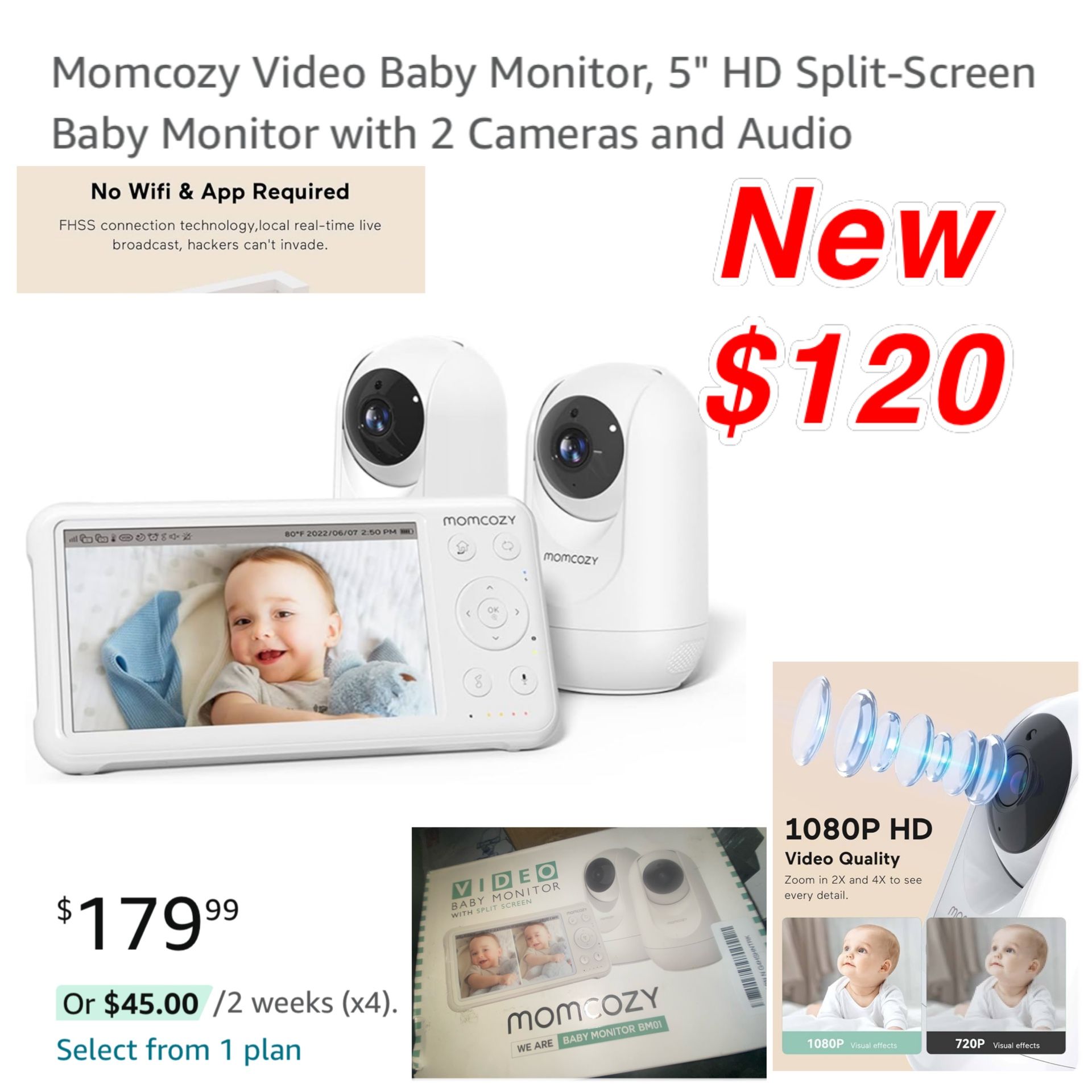 Video monitors allow you to check on your baby without entering the nursery, but require strict security protocols to protect your privacy.
Image source: grupothermotek.com
Video monitors allow you to check on your baby without entering the nursery, but require strict security protocols to protect your privacy.
Image source: grupothermotek.com
Safety Deep Dive: Video Baby Monitors
Video monitors offer valuable visual reassurance, but they carry unique safety risks that audio models do not.
EMF and Physical Safety Risks
Video monitors emit 2–3 times more EMF radiation than audio models, as they transmit continuous high-bandwidth video data alongside audio. While all legally sold monitors meet FCC SAR limits of 1.6 W/kg for devices held near the head, independent 2025 consumer testing found 12% of budget video models exceeded this limit when placed within 1 foot of a crib, posing a higher exposure risk to a baby’s developing brain.
Additional physical risks include:
- Cord strangulation hazards from unsecured camera cords (the CPSC reported 3 infant injuries related to baby monitor cords in 2024)
- Overheating from continuous 24/7 operation, which can cause burns or fire risk
- Blue light from monitor screens that disrupts baby’s circadian rhythm if the device is facing the crib
A common mistake parents make is placing the monitor directly on the changing table above the crib, which puts it well within the 3-foot safety distance recommended by the CPSC and increases direct EMF exposure to the baby’s head. You can also read our guide on baby sleep.
Privacy and Data Security Risks
Video monitors capture continuous visual footage of your home, making them a high-value target for hackers. The FTC regularly warns that unsecured Wi-Fi video monitors are frequently targeted, with most incidents stemming from default passwords, unpatched firmware, or unencrypted cloud storage. Non-Wi-Fi RF models eliminate this risk entirely, as they never connect to the internet.
To minimize privacy risks for Wi-Fi video models:
- Change the default password immediately after setup, and use a unique, complex password for both the monitor and your Wi-Fi network
- Enable end-to-end encryption for all video and audio feeds
- Disable remote access if you only need to use the monitor inside your home
- Update firmware monthly to patch security vulnerabilities
- Use a separate guest Wi-Fi network for the monitor to isolate it from your personal devices and data
Sleep and Developmental Impacts
Constant video monitoring can lead to “monitor-induced anxiety” for parents, who may rush to the nursery at every small movement or whimper, disrupting their baby’s sleep cycles and delaying the development of self-soothing skills. Pediatric sleep experts affiliated with the American Academy of Pediatrics note that frequent, unneeded interventions triggered by minor movements seen on a video monitor can lead to more frequent night wakings long-term. You can also read our guide on is a chevron pattern okay for a baby.
To reduce sleep disruption:
- Turn off the video screen during sleep hours, using audio-only mode if your model supports it
- Adjust motion and sound alert sensitivity to only trigger for sustained crying or movement, not small shifts
- Set scheduled check-in times instead of monitoring the feed constantly throughout the night
Safety Deep Dive: Audio Baby Monitors
Audio-only monitors are often overlooked for their robust safety profile, but they offer significant advantages for families prioritizing low risk.
EMF and Physical Safety Benefits
Audio monitors emit 2–3 times less EMF radiation than video models, as they only transmit small audio data packets rather than continuous video. Digital DECT models use FHSS technology that changes signal frequencies thousands of times per second, further reducing exposure and making signals nearly impossible to intercept. As of 2026, all top-rated audio models have SAR levels below 0.1 W/kg, well under FCC limits, with no reported EMF-related safety incidents for this category. You can also read our guide on baby stroller sitting tips expert guidelines.
Physically, audio monitors have far fewer hazards: no camera cords to pose strangulation risks, no screen to overheat or emit blue light, and a smaller, lighter form factor that is easy to place out of reach of curious toddlers.
Privacy and Reliability Advantages
Since audio monitors do not capture any visual data, even if a signal is intercepted, there is no risk of private home footage being leaked. For families concerned about data privacy, this is a major safety benefit over video models. You can also read our guide on best split screen non wifi baby monitors.
Audio monitors are also far more reliable than Wi-Fi video models, especially in large homes or homes with thick walls that block Wi-Fi signals. Digital RF audio signals have a longer range (up to 1,500 feet indoors) and are not affected by internet congestion or outages, so you will not lose connection during critical moments. They also have longer battery life (12–24 hours on a single charge, compared to 6–12 hours for video models) due to their lower power consumption, making them ideal for overnight use or travel.
Limitations to Consider
Audio monitors are not a replacement for safe sleep practices: they cannot detect visual signs of distress like a baby rolling into an unsafe sleep position, blue lips, or difficulty breathing that may be visible before audible cries occur. They are also more prone to false alerts from background noise (white noise machines, pets, household appliances) if sound sensitivity is set too high, which can lead to alarm fatigue over time. You can also read our guide on how to keep baby cool in stroller.
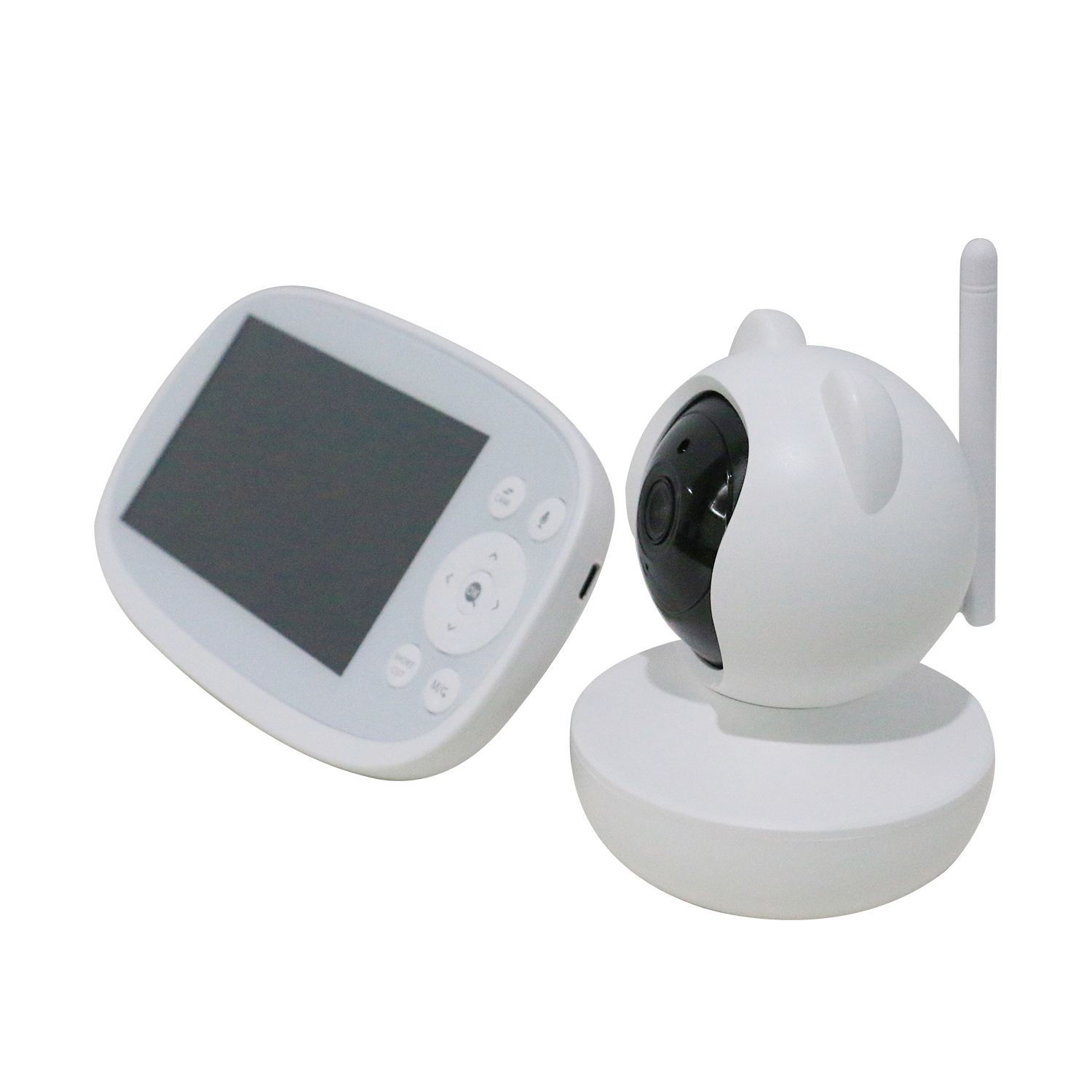 Audio monitors offer long battery life and reliable signal range even in large homes with spotty Wi-Fi.
Image source: dailyplanetvt.com
Audio monitors offer long battery life and reliable signal range even in large homes with spotty Wi-Fi.
Image source: dailyplanetvt.com
Head-to-Head Safety Comparison
To make the trade-offs clear, the table below compares key safety factors for both monitor types:
| Safety Factor | Video Baby Monitor | Audio Baby Monitor | Safer Option for This Factor |
|---|---|---|---|
| EMF Exposure | Moderate to high (continuous video transmission) | Very low (audio-only transmission) | Audio |
| Visual hazard detection | Can see breathing issues, rollovers, unsafe sleep positions | Can only detect audible distress | Video |
| Privacy risk | Moderate to high (video feed can be hacked, cloud data stored) | Very low (no visual data, simpler encryption) | Audio |
| Sleep disruption risk | High (screen glare, frequent visual checks, alert sounds) | Moderate (sound alerts only, no visual distraction) | Audio |
| Physical safety risk | Cord strangulation, overheating, screen breakage | Minimal components, no cords/cameras | Audio |
| Reliability in poor network conditions | Prone to lag, dropouts, requires stable Wi-Fi | Works on dedicated RF, no internet needed | Audio |
How to Choose the Safer Option for Your Family
There is no universal “safest” baby monitor—the right choice depends on your family’s unique needs and risk tolerance. Follow these steps to make the best decision:
- Prioritize your top safety concerns: If reducing EMF exposure and protecting home privacy are your top priorities, an audio monitor is the better choice for most families. If you need to monitor a baby with medical conditions (prematurity, respiratory issues) who may not be able to cry to alert you, a non-Wi-Fi video monitor with strong encryption is a safer option than an audio model.
- Match to your home setup: For large homes with spotty Wi-Fi or thick walls that block signals, an audio or non-Wi-Fi video monitor will be more reliable. For small apartments with strong, secure Wi-Fi, a Wi-Fi video model is acceptable if you follow strict security protocols.
- Prioritize safety features over extra tech: Skip flashy features like AI sleep coaching or smart home integration unless you explicitly need them—every connected feature adds a potential security vulnerability. Always choose a monitor with end-to-end encryption, password protection, and regular firmware updates from a reputable manufacturer.
- Follow universal safety guidelines regardless of type: Always follow safe crib setup guidelines to place the monitor at least 3 feet from the crib, secure all cords out of reach, and avoid placing the device near loose bedding. If your monitor includes a temperature sensor, use it to adjust your baby’s clothing appropriately using seasonal layering guidance to maintain the recommended nursery temperature of 68–72°F.
For parents of babies with early bedtimes, setting scheduled check-ins instead of constant monitoring can help reduce sleep disruptions, per tips for managing early bedtimes. If you need a monitor for travel or errands, a lightweight digital audio model pairs well with stroller portability tips to keep you connected on the go. When budgeting, factor in long-term costs like subscription fees for cloud storage or replacement parts, which can add up over time, so align your choice with your annual baby cost planning to avoid unexpected expenses.
2026 Safety Recommendations
Updated guidance from the official CPSC baby monitor safety guidance and FCC EMF emission limits for consumer electronics supports the following best practices for all families:
- Choose audio monitors for most use cases, as they offer the lowest overall risk profile for EMF exposure, privacy, and physical safety
- If you opt for a video monitor, choose a non-Wi-Fi RF model with local SD card storage to eliminate remote hacking and cloud data breach risks
- Always place monitors at least 3 feet from the baby’s sleep space to reduce EMF exposure and eliminate cord strangulation hazards
- Update firmware monthly and use unique, complex passwords for all connected devices
- Turn off monitors when not in use to reduce EMF exposure and conserve battery life
Frequently Asked Questions
What are the main safety differences between video and audio baby monitors?
The core safety differences come down to risk profile: audio monitors have very low EMF emission, no visual privacy risks, and fewer physical hazards, but can’t detect visual signs of distress like rollovers or breathing issues. Video monitors offer visual confirmation of a baby’s safety but carry higher EMF exposure, greater privacy risk if unsecured, and more physical hazards from cords and overheating components.
Are video baby monitors safe for newborns?
Video monitors are safe for newborns if you follow CPSC guidelines: place the unit at least 3 feet from the crib, secure all cords out of reach, use a non-Wi-Fi model with end-to-end encryption, and turn off the screen during sleep to avoid blue light disruption. For newborns with health conditions requiring constant monitoring, a video monitor is a useful tool, but prioritize non-Wi-Fi models for maximum privacy.
Do audio baby monitors emit harmful EMF?
All legally sold baby monitors emit EMF levels well below FCC safety limits, but audio monitors emit significantly less than video models, since they only transmit small audio data packets. Digital DECT audio models use frequency-hopping technology that further reduces exposure and makes signals nearly impossible to intercept. For families prioritizing minimal EMF exposure, audio monitors are the safer choice.
Which monitor type is better for privacy?
Audio monitors are far better for privacy, as they don’t capture or transmit any visual data of your home. Even if an audio signal is intercepted, it carries no visual footage. For video monitors, non-Wi-Fi RF models with local storage (no cloud) offer the best privacy, as they don’t connect to the internet and store footage on a local SD card rather than a remote server.
Can a baby monitor disrupt my baby's sleep?
Yes, both types can disrupt sleep if used incorrectly. Video monitors can disrupt sleep with screen glare and frequent parental checks triggered by minor movements. Audio monitors can disrupt sleep with over-sensitive sound alerts that trigger on white noise or fussing. To minimize disruption, adjust alert sensitivity, turn off video screens during sleep, and only check the monitor at scheduled intervals rather than constantly watching.
Conclusion
There is no one-size-fits-all “safer” baby monitor: the right choice depends on your family’s unique priorities. If reducing EMF exposure, protecting home privacy, and avoiding physical hazards are your top concerns, an audio monitor is the safer choice for most families. If you need to monitor a baby with medical needs, or want visual confirmation for peace of mind, a non-Wi-Fi video monitor with strong security features is a safe option when used correctly.
Regardless of which type you choose, follow CPSC safety guidelines, secure your device with strong passwords, and prioritize reliable performance over extra flashy features. The safest baby monitor is the one you use correctly to stay alert to your baby’s needs without introducing unnecessary risks.
For more guidance on creating a safe, low-stress nursery environment, browse our full library of baby safety and parenting resources.

Emma Grace is a devoted mother and passionate content writer at BestBabyCart.com. With firsthand parenting experience and a love for research, she creates helpful guides and honest reviews to support parents in choosing the best for their babies. Her goal is to make parenthood easier, one article at a time.