Most parents buy a baby monitor and assume it works automatically. It is easy to trust the box on the shelf and the app on your phone. You hope it will alert you to cries, fitful breathing, or a stray limb. Yet small setup choices can change that trust into risk.

Why Baby Monitor Mistakes Matter
Many common errors give parents a false sense of safety. A wrong camera angle can hide a crib corner. A weak Wi‑Fi password can invite a hacker to spy. A monitor too close to the mattress can pose a strangulation hazard. These are not just tech annoyances. They affect baby safety and parental peace of mind.

When monitors fail, parents get false alarms or miss real cries. When moms and dads sleep poorly because of constant alerts, the whole family suffers. When devices leak video online, privacy and dignity are lost. Knowing the usual mistakes helps you avoid them.
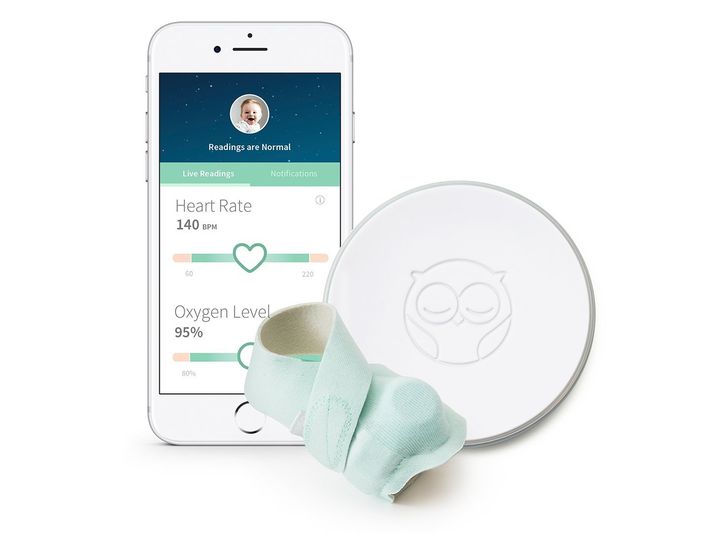
This guide walks through the most common baby monitor mistakes. It shows why each matter matters and gives clear fixes. You will learn safe placement, better device choice, and simple security steps. The goal: protect your child and keep your nights calm.

Buying the Wrong Type of Baby Monitor
Choosing the wrong monitor is a very common error. Many buyers pick the flashiest model. They chase HD video, night vision, and endless app features. But the fanciest monitor is not always the safest or most useful.

Why not all homes need Wi‑Fi
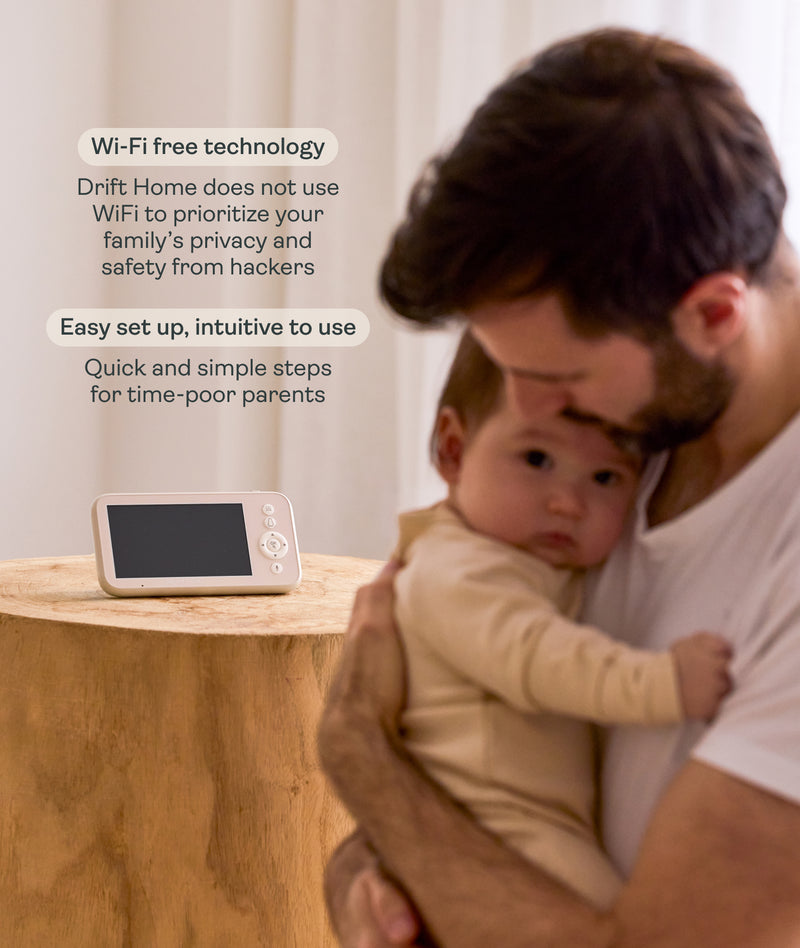
Not every nursery needs a Wi‑Fi camera. Wi‑Fi models give remote access and cloud storage. They are great for parents who travel or want smart alerts. But they also add hacking risk and require strong, reliable routers. In apartments with shared networks, Wi‑Fi cameras increase exposure. For many families, a simple audio monitor or a local, non‑cloud camera is enough.

Why video isn’t always better
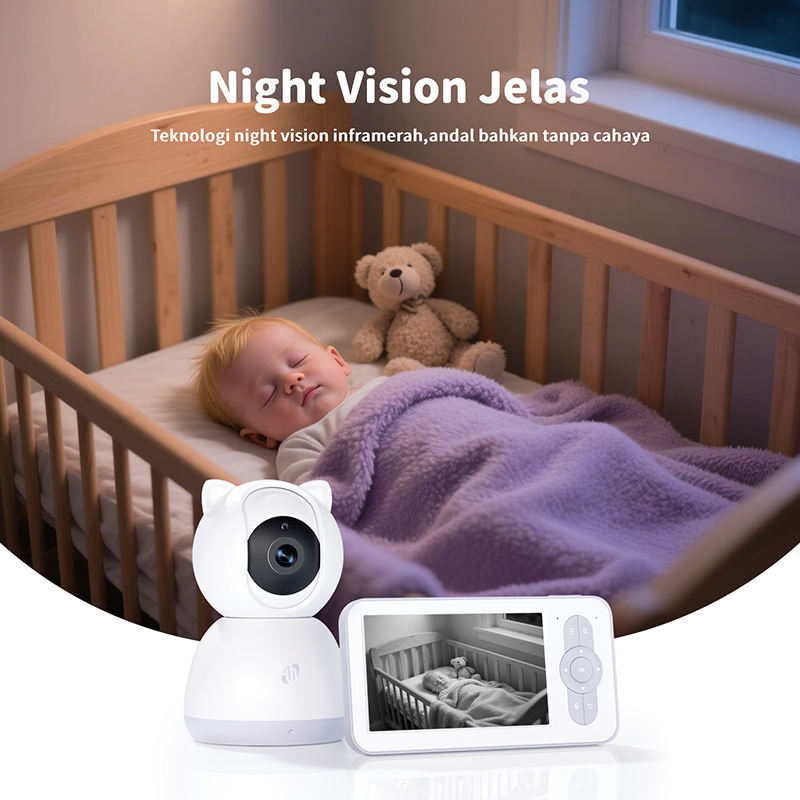
Video can help you check that baby is sleeping safely. Yet constant video can also create anxiety. A soothing sound monitor often alerts parents faster to cries. In dark rooms, low‑contrast video can hide small movements. Video is useful, but it should not replace simple audio or safe crib checks.
Why audio monitors are safer in many homes
Audio monitors use less power and less bandwidth. Many are analog or use a dedicated radio channel that is not on your home Wi‑Fi. That reduces hacking and cloud exposure. They are also simpler to operate. If your main need is to hear crying or fussing, a good digital audio monitor from trusted brands such as VTech or Motorola can be the safest choice.

Choosing based on features instead of safety
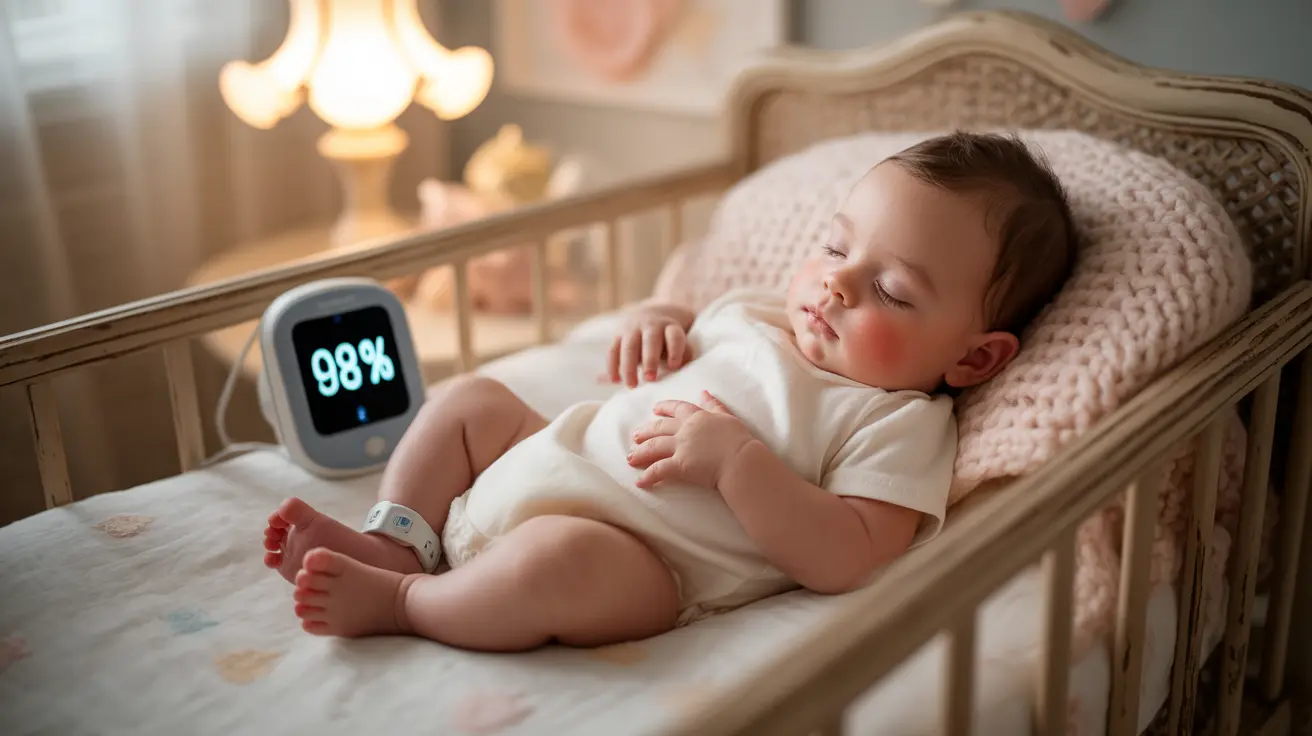
Many shoppers pick models by features alone. They buy models with motion alerts, sleep tracking, and thermometers. But those extras can fail or distract. Motion sensors give false alarms and drain batteries. Thermometer readings can be inaccurate when placed near vents. Always put safety and reliability above extra bells and whistles. Brands to consider for reliability include Infant Optics and Philips Avent.
Placing the Monitor Too Close to the Crib
Where you place the monitor matters as much as which model you buy. A great camera in the wrong spot becomes a hazard. Parents often put devices within arm’s reach for a better view. That creates risks.
Strangulation risk from cords
The American Academy of Pediatrics warns about cords and strings near sleeping infants. Monitor cords that drape into the crib can lead to strangulation. Even a short cord loop is a danger. Keep cords out of reach and anchored high. Use cord covers or run power lines along the wall well above crib height.
Camera falling into crib
Small cameras or mounts can fail. If a camera falls into a crib it can injure a baby or startle them awake. Loose mounts, tape, or precarious shelves are frequent causes. Secure your camera with proper wall mounts or ceiling brackets. Never place a camera on an unstable ledge above the crib.
Why experts require distance
Experts recommend a safe distance between devices and the baby. This reduces the risk of baby grabbing cords or the camera. It also reduces electromagnetic exposure, though that risk is debated. A 3‑ to 4‑foot clearance from the crib edge is a good rule for most setups. The Consumer Product Safety Commission sets clear guidelines on cord length and placement.
What safe distance really means
Safe distance is not just measured horizontally. Think height above the mattress, where cords run, and how a toddler might climb. For wall‑mounted cameras, place the hardware at least 3 feet above the mattress surface. Keep cables secured behind walls or with channel covers. These steps cut hazards and make the nursery look tidier too.
Mounting Cameras Incorrectly
Mounting is about angle and safety. A poorly mounted camera gives blind spots. It can also become a falling object. Many parents use shelves or chairs as makeshift stands. That is risky and avoidable.
Low-angle blind spots
A camera mounted too low often misses the baby’s head or covering by blankets. It may show only the crib bars, not the sleeping position. Use a high, slightly angled mount to aim at the baby’s torso and head. This angle helps you spot chest movements and open airways.
Shelf placement dangers
Shelves are tempting because they are easy. But objects on shelves can be bumped and fall. A shelf can also hold other items that shift in an earthquake or when you open a window. Avoid shelf placement if the shelf is above the crib. Use dedicated wall mounts or secure brackets instead.
Unstable tripods
Tripods are useful in a pinch. Yet they can be toppled by curious hands or pets. A tripod’s center of gravity is often low and unstable near a crib. If you must use one, secure it to the wall or choose a model with a wide base and locking legs. Prefer wall mounting for long‑term use.
Why wall mounting is safer
Wall mounting keeps equipment out of reach and reduces blind spots. It also protects cables by running them along wall channels. Many camera makers sell wall mounts designed for nursery cameras. A pro tip: use anchors and screws rated for the camera weight, not just drywall clips. Wall mounting may take effort, but it is a big safety win.
Ignoring Wi‑Fi Security
Wi‑Fi gives convenience, but it also opens doors. Hackers probe poorly secured devices daily. Many parents do not change default settings when setting up their camera for the first time. That is a major oversight.
Leaving default passwords
Default passwords are widely known. Many consumer devices ship with the same login credentials across units. If you do not change them, you invite easy access. Always set a strong, unique password for every device and account. Use a password manager if memorizing is hard.
Not enabling encryption
Some monitors offer end‑to‑end encryption. If you skip enabling this, video and audio might travel unprotected. This is especially true for older or cheap models. Look for models that advertise encrypted streams and secure cloud storage. Brands like Nanit and Miku emphasize secure data practices.
Not updating firmware
Device makers release firmware updates to fix bugs and patch security holes. Ignoring updates leaves devices vulnerable. Make a habit of checking for updates monthly. Set automatic updates where possible. Firmware updates often also improve performance and battery life.
Using public Wi‑Fi
Accessing your baby monitor app on public Wi‑Fi adds risk. Public networks are easy targets for sniffing. If you must use public Wi‑Fi, turn off remote access or use a secure VPN. Better yet, avoid logging into your monitor app on any network you don’t control.
Overusing Video Monitoring
Video feels like a superpower. You can watch your child at any hour. But too much watching can harm your rest and your response patterns. Many parents develop “monitor loop” anxiety.
Why constant watching increases anxiety
Watching every twitch on a screen trains you to panic at small things. Babies move constantly. Seeing that movement out of context can raise stress levels. Over time, parents can become hypervigilant and lose trust in their own judgment.
Why parents stop responding naturally
If you always check the screen for a small noise, you may delay physical checks. Technology can create a barrier to immediate care. A gentle cry or an unusual sound still needs a human check. Let the monitor guide you, not replace your instincts.
Why sleep is disrupted
Video monitoring invites late‑night checking. Parents scroll and review clips. Every minor frame drop can wake them. This sleep fragmentation affects mood and decision‑making. Set limits. Use audio only at night, or silence live video after a set time. This helps keep sleep healthy.
How video monitoring can become unhealthy
Relying on video can make parents mistrust their baby’s normal patterns. It can also create false positives via motion prompts and alerts. Use video as a tool, not a tether. Balance live feeds with timed checks and scheduled sleep routines.
Choosing Features Over Safety
Feature lists are tempting. HD, pan, tilt, zoom, lullabies, two‑way talk, temperature sensors — each sounds useful. But not every feature helps safety. Some features hurt battery life or add security holes.
Chasing HD instead of security
4K or HD cameras look great on a phone. Yet they require more bandwidth and may store footage in the cloud. That increases exposure and costs. A clear, reliable 720p feed with strong encryption is often a safer choice for a nursery. Think about what you really need.
Chasing apps instead of reliability
A fancy app can crash or lose connection. Many parents chase apps with clever dashboards. But if the hardware is unreliable, the app cannot save it. Test the device and app together before you rely on them overnight. Prefer brands with a track record for firmware updates and stable support. Infant Optics and Motorola are known for dependable hardware.
Why simple is often safer
A simple monitor is easier to secure, patch, and maintain. It has fewer features that can fail. It also drains batteries less and produces fewer false alarms. For many families, a basic two‑way audio monitor or a non‑cloud video system gives the best blend of safety and value.
Ignoring EMF and Radiation
Electromagnetic fields (EMF) from wireless devices worry many parents. The World Health Organization and the FCC provide guidance on exposure. While research is ongoing, sensible steps reduce risk and anxiety.
Wi‑Fi vs audio radiation
Wi‑Fi cameras use higher frequencies than analog audio monitors. That means more wireless transmission and potentially more exposure. Audio monitors that use low‑power frequencies emit less radiation. If EMF is a major concern, choose a wired camera or a wired audio monitor for the crib area.
Why placement matters
Distance reduces exposure. EMF intensity falls quickly with distance. Putting a Wi‑Fi camera several feet away from the sleeping area cuts down exposure. Avoid tucking the device under bedding or right over the baby’s head. Small changes reduce both real and perceived risk.
Entity SEO: FCC and World Health Organization
Refer to FCC guidance for limits on device emissions and to the World Health Organization for general recommendations. Both suggest using distance and limiting unnecessary exposure as practical steps. These steps are easy and wise for any nursery.
Placing Monitors Near Electronics
Where you place a monitor affects signal quality. Routers, microwaves, and TVs can interfere. Interference leads to signal loss, static, and dropped feeds — not what you want at 3 a.m.
Why routers interfere
Routers and monitors can share the same Wi‑Fi band. That creates channel congestion. If your camera is right next to the router, you might think the signal is strongest, but it can cause reflections and interference. Space devices apart and use different channels when you can.
Why microwaves cause signal drops
Microwave ovens operate in the 2.4 GHz band, like many baby monitors. Running a microwave can briefly degrade your monitor feed. Place monitors away from the kitchen or switch to devices using the 5 GHz band if interference persists.
Why TVs cause noise
Old TVs and large screens can create electrical noise. This noise affects analog and weak digital signals. Keep monitors away from heavy electronics and use shielded cables where possible. A small move can stabilize your video and audio feeds.
Semantic SEO: baby monitor interference, signal loss
Troubleshoot by checking placement when you see drops. Move the monitor, change channels, or choose a different band. These fixes often restore quality fast.
Not Testing Signal Strength
Skipping a signal test before trusting a monitor is a common mistake. Dead zones are sneaky. They can hide in basements, behind thick walls, or under heavy floors. Test now so you don’t regret it later.
Dead zones
A dead zone is an area where the monitor cannot reach the parent unit. It may depend on where you carry the parent unit in your house. Walk through your home with the receiver or app. Check all common spots: bathroom, attic, garage, and backyard. Note where the signal drops.
Floor interference
Floors and ceilings often block signals. Concrete and older plaster can be especially problematic. If you have a multi‑story home, test the parent unit on each floor. Consider a monitor with a stronger transmitter or a mesh Wi‑Fi system to extend coverage.
Wall thickness
Brick and stone walls weaken even the best monitors. Metal studs and foil insulation also reflect signals. Test placement and plan mounts to minimize wall interference. Sometimes moving the router or switching bands is the simplest fix.
Why testing saves sleep
Testing means fewer surprises in the night. It helps you pick the right monitor or the best spot for it. It also prevents missed cries and false alarms. Take 15 minutes to map the signal. That small time saves many restless nights.
Using Cheap or Unbranded Cameras
Price matters, but the lowest cost is not always best. Cheap or no‑name cameras often cut corners on safety and security. The result can be weak encryption, poor firmware updates, and bad hardware.
No encryption
Many cheap models omit proper encryption, sending data in plain or weakly protected formats. That leaves streams exposed if someone gains local network access. Choose cameras that list encryption standards or buy from trusted brands. Nanit and Google Nest Cam list security features openly.
Weak firmware
Small makers sometimes lack the resources to maintain firmware. That means devices sit with known vulnerabilities for months. A brand with active updates and support is safer over time. Look up a maker’s update history before you buy.
Cloud risks
Free cloud storage can seem attractive. But unvetted cloud services may keep data indefinitely or share it in ways you cannot control. Prefer local storage options or paid cloud services with clear privacy policies and encryption.
Poor radiation control
Cheap devices might not meet the emission standards in your country. Check FCC or equivalent certification. Verified devices are tested to meet limits for emissions and interference. Certification is a small but important signal of safety.
Not Using Audio Alerts
Relying only on video or vibration alerts is risky. Audio alerts help catch crying quickly and reliably. A baby who can’t move much may still cry, and sound often travels farther than a weak video feed.
Missing crying
Some parents put monitors on vibrate or mute. When that happens, a faint cry can go unnoticed. Set the parent unit volume to a level you will hear during light sleep. Test the monitor with recorded sounds to confirm audible alerts.
Sleeping through alarms
If you use only a phone app, call flooding and notifications can be silenced at night. A dedicated parent unit often has louder alarms and a clearer ring. Consider a two‑unit system: one app for daytime remote checks and one physical receiver for night.
Relying only on video
Video can lag or freeze in low bandwidth. While the screen is frozen, your baby might be crying and you may miss it. Audio is less bandwidth‑heavy and often more reliable. Use both if possible, and configure audio alerts as the primary night signal.
Forgetting to Update Software
Software updates matter. They add stability and security. Many parents set up a monitor and forget it. That creates risk over time. Regular updates keep devices healthy.
Security patches
Updates patch security holes. A device that has its firmware updated is far less likely to be hijacked. Set automatic updates where supported and check releases from the manufacturer. Schedule a monthly check if auto updates are not available.
Bug fixes
Updates also solve bugs that cause false alarms or drain batteries. If your camera has odd behavior, a firmware update often fixes it. Check the manufacturer’s changelog before complaining or returning the unit.
Performance improvements
Manufacturers sometimes improve video compression, battery use, and app responsiveness via updates. These small gains make your device more dependable and easier to live with. Keep your app and hardware current.
Using Baby Monitors as Babysitters
Monitors are tools. They are not substitutes for care. Leaving a baby alone because a camera says all is well is a mistake. Babies need visits, checks, and human judgment.
Why technology cannot replace physical checks
A camera cannot detect subtle signs of distress like low body temperature or pale coloring. It cannot reposition a baby or check for blocked airways. A quick in‑person check is essential, especially with newborns or babies with health issues. The American Academy of Pediatrics stresses direct checks over remote reliance.
Why movement monitoring is limited
Movement sensors and breathing mats can help, but they are not perfect. They can give false alarms or fail to trigger. Relying on them alone ignores their limits. Use monitors as part of a safety plan, not the entire plan.
Why babies still need supervision
Crying, spills, choking hazards, and sudden illness all need a human response. A monitor helps you respond faster, but it does not replace your hands, senses, and judgment. Schedule checks and keep caregiving routines that include direct contact.
How to Use a Baby Monitor Correctly
A good setup is simple and safe. Follow a checklist and you will reduce errors and worry. Here is a step‑by‑step routine to set up and use a monitor correctly.
Safe placement
Mount cameras on a wall or ceiling at least 3 feet above the mattress. Keep cords out of reach and use cable covers. Point the camera so it shows the baby’s torso and head, not just crib rails. Test the view day and night.
Secure Wi‑Fi
Change default passwords. Use strong, unique passwords and enable two‑factor authentication where offered. Place your camera on its own guest network if possible. Keep your router firmware up to date. These steps reduce hacking risk.
Proper alerts
Use audio alerts for night checks. Set motion or sound sensitivity to reduce false alarms. Test alert volumes in the night and store backup batteries for the parent unit. Configure app notifications to avoid dozing off to constant pings.
Balanced monitoring
Use video selectively. Try audio‑only at night or set the video to sleep mode. Limit live viewing to times you need it. This helps your sleep and reduces anxiety. Let monitors support intuition, not replace it.
What Child Safety Experts Recommend
Pediatricians and safety groups offer clear advice. Align your monitor habits with their guidance. Their rules are practical and grounded in data.
Pediatric guidelines
The AAP recommends keeping the crib free of loose items and maintaining safe sleep positions. They also advise that monitors do not replace supervised checks. Use the monitor to alert you, then do an in‑person check when needed.
Sleep safety
Experts at the Mayo Clinic and Consumer Reports stress that monitors are an aid, not a solution. Safe sleep practices — back to sleep, a firm mattress, no loose blankets — remain the top safety measures. Monitors should complement these basics.
Technology use limits
Many child safety professionals urge limits on screen time, even for parents at night. Check the baby in person when alarms sound. Use devices to inform your care, not to substitute for it. Balance tech with touch.
Entity SEO: AAP, Mayo Clinic, Consumer Reports
Follow guidance from the AAP, Mayo Clinic, and Consumer Reports when choosing and using a monitor. These organizations give evidence‑based advice for sleep safety and product reliability.
Conclusion
Most baby monitor problems come from simple mistakes. These include bad placement, poor security, and overreliance on tech. Correct setup and mindful use make monitoring work for you. Take time to mount devices safely, secure your network, and test signals. Smart use of monitors brings peace of mind without replacing hands‑on care.
Frequently Asked Questions
What is the biggest baby monitor mistake parents make?
Many experts say the most common mistake is assuming a monitor gives complete safety. Parents often rely on the device without doing regular in‑person checks or securing the setup properly.
Can baby monitors be dangerous?
They can be if set up poorly. Risks include cord strangulation, camera falls, and privacy breaches when devices are unsecured. Proper mounting, cord management, and strong passwords reduce danger.
Should baby monitors be on all night?
It depends. Many parents use audio monitoring at night and video during naps. Use a monitor to assist, but make sure it does not disrupt sleep. Set boundaries like audio‑only mode to protect rest.
Is Wi‑Fi safe for baby monitors?
Wi‑Fi is convenient and can be safe if you use strong passwords, encryption, and updates. For those concerned about EMF or hacking, wired cameras or audio monitors with dedicated channels are good alternatives.
How do I know if my monitor is placed correctly?
Check that the camera is at least 3 feet above the mattress, that cords are out of reach, and that the angle shows the baby’s head and torso. Walk through your house with the parent unit to test signal strength and view.

Emma Grace is a devoted mother and passionate content writer at BestBabyCart.com. With firsthand parenting experience and a love for research, she creates helpful guides and honest reviews to support parents in choosing the best for their babies. Her goal is to make parenthood easier, one article at a time.