
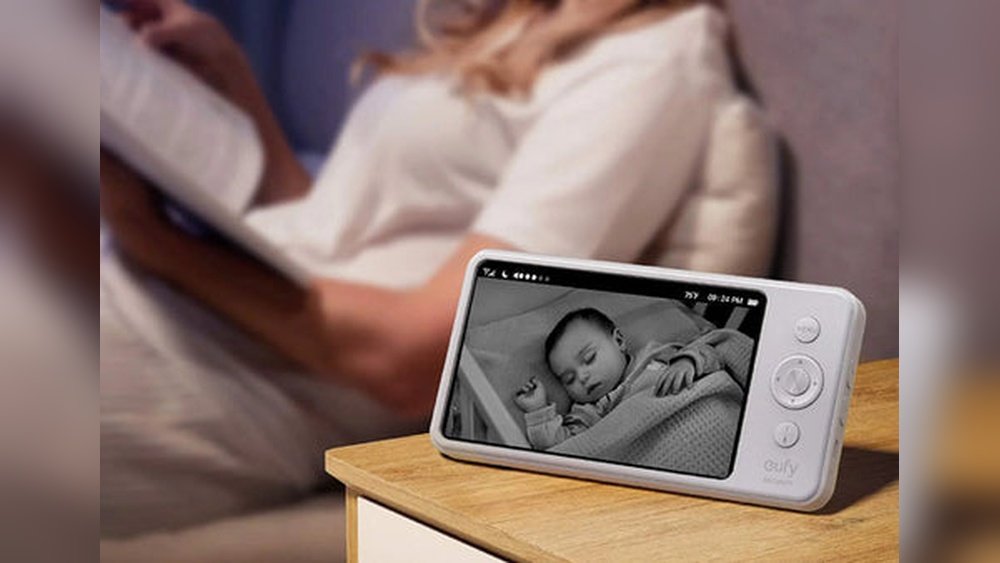
Are you looking for a simple, affordable way to keep an eye on your baby without buying extra gadgets? Your iPhone can be more than just a phone—it can become a reliable baby monitor.
Imagine being able to check on your little one anytime, right from your pocket. In this guide, you’ll discover easy steps to turn your iPhone into a baby monitor that works just like a professional device. Stay with me, and you’ll learn how to use technology you already own to bring peace of mind and keep your baby safe.
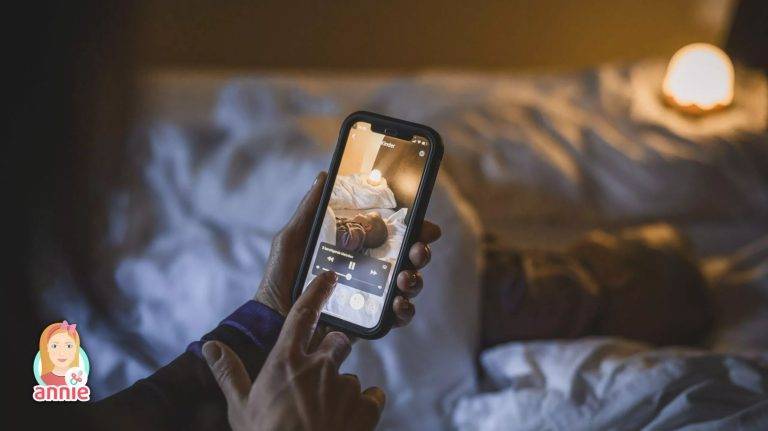
Credit: www.anniebabymonitor.com
Choosing The Right App
Choosing the right app is important when using your iPhone as a baby monitor. The app controls how well you can hear and see your baby. It affects battery life and ease of use. The right app makes you feel safe and connected.
Many apps offer different features. Some focus on video quality, while others prioritize sound alerts. Some apps are free, while others require payment. Picking the right one depends on your needs and budget.
Top Baby Monitor Apps For Iphone
Many apps work well for baby monitoring on iPhone. “Cloud Baby Monitor” provides clear video and sound. “Baby Monitor 3G” allows remote monitoring with Wi-Fi or mobile data. “Dormi” offers good noise detection and video quality. These apps have strong user reviews and frequent updates.
Free Vs Paid Options
Free apps can be useful for basic monitoring. They usually have limited features and ads. Paid apps often offer better video and sound quality. They include extra features like sleep tracking and alerts. Spending money can mean fewer interruptions and more reliability.
Key Features To Look For
Look for apps with clear video and sound. Night vision is helpful for monitoring in dark rooms. Sound alerts notify you when the baby cries. Two-way audio lets you talk to your baby. Battery-saving modes help your phone last longer. Make sure the app is easy to use and stable.

Credit: cloudbabymonitor.com
Setting Up Your Iphone
Setting up your iPhone as a baby monitor is simple and quick. The right setup helps you watch your baby clearly and hear every sound. This section guides you through key steps to prepare your iPhone for monitoring. Follow these tips to make the most of your device’s camera, microphone, battery, and Wi-Fi connection.
Configuring Camera And Microphone
Open the Camera app on your iPhone. Choose the video mode for live streaming. Position the phone to get a clear view of the baby’s crib. Check the angle to avoid blind spots. Test the microphone by speaking near the phone. Adjust the volume settings to ensure you can hear softly spoken sounds. Disable notifications to stop interruptions during monitoring.
Optimizing Battery Life
Keep your iPhone plugged into a power source while monitoring. Turn on Low Power Mode to extend battery life. Lower screen brightness to save energy. Close unused apps running in the background. Avoid playing sounds or videos on the phone during monitoring. These steps prevent unexpected shutdowns and keep the monitor active for longer periods.
Ensuring Stable Wi-fi Connection
Place your iPhone close to your Wi-Fi router for a strong signal. Use a 5 GHz network if available for faster connection. Test the internet speed to avoid lag or buffering. Restart the router before starting the monitoring session. Avoid using other heavy internet activities on the same network. A stable connection ensures smooth video and clear sound without delays.
Positioning The Iphone
Positioning the iPhone correctly is key to effective baby monitoring. The right spot gives a clear view and good sound. It helps you watch your baby safely and easily. Thoughtful placement also keeps your device safe and steady. This section guides you on where and how to place your iPhone for the best results.
Best Locations For Monitoring
Place the iPhone near the baby’s crib but not too close. A corner of the room works well. High shelves or dressers offer a wide view. Ensure the camera faces the baby clearly. Avoid areas with direct sunlight to prevent glare. Choose a spot with a strong Wi-Fi signal. It keeps the video smooth and stable.
Securing The Device Safely
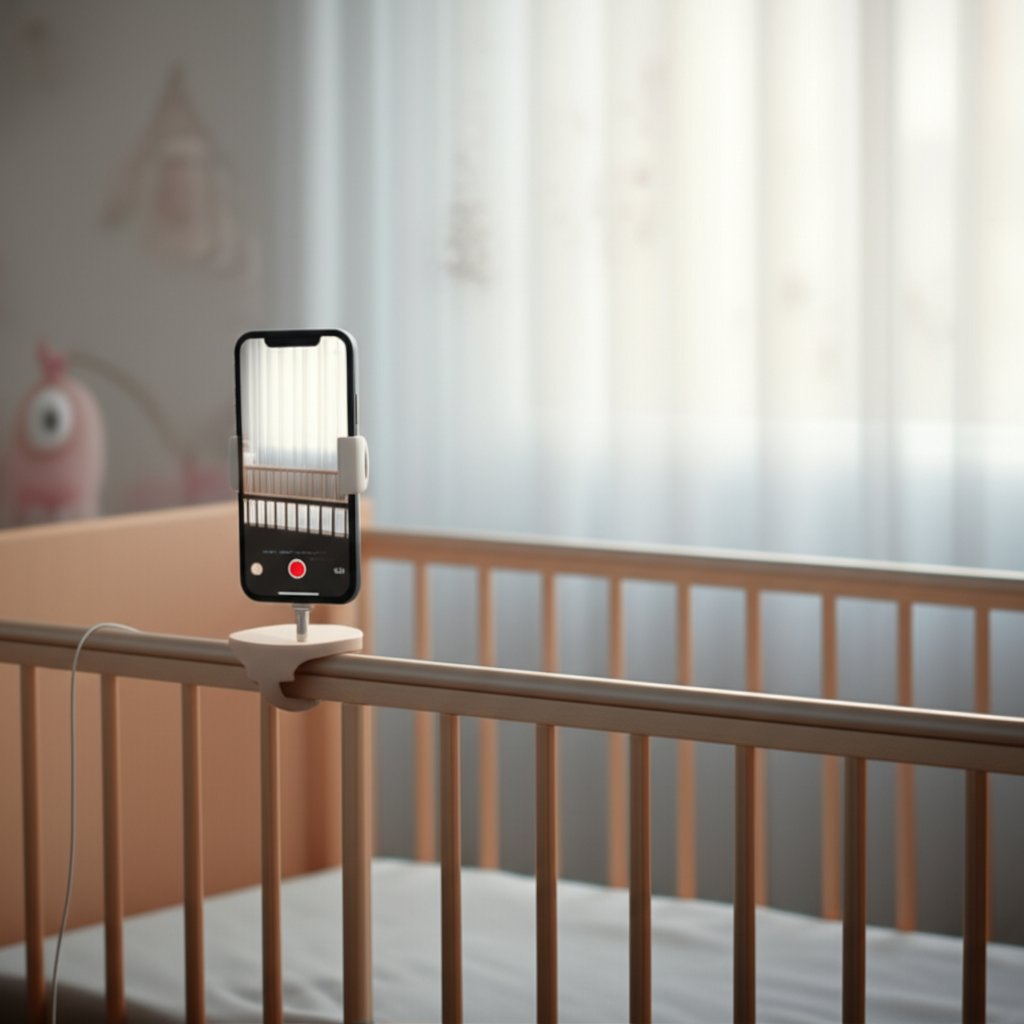
Use a stable surface to avoid falls. Tape or a phone stand can hold the iPhone in place. Avoid hanging the phone by cords or strings. Keep charging cables away from the baby’s reach. Check the device often to ensure it stays secure. Safety is the top priority for peace of mind.
Avoiding Common Placement Mistakes
Do not place the iPhone inside the crib or too close to the baby. Avoid spots with background noise like fans or TVs. Don’t block the camera lens with objects or furniture. Avoid placing the device where it can overheat. Stay away from windows to reduce sudden light changes. Clear view and safe placement make monitoring easier.
Using Multiple Devices
Using multiple devices as baby monitors gives you more flexibility and peace of mind. You can check on your baby from different rooms or even outside the house. This setup helps you stay connected without carrying one device all the time. It also allows family members to watch the baby from their own devices. Here is how to set up and use multiple Apple devices as baby monitors.
Pairing Two Iphones
Pairing two iPhones is simple and effective. Use one iPhone as the camera near your baby. The other iPhone acts as the receiver. Both devices must be on the same Wi-Fi network. Open the same baby monitor app on both phones. Follow the app’s instructions to connect the devices. This lets you see and hear your baby in real time. Keep the camera iPhone plugged in to avoid battery drain. Adjust the volume on the receiver iPhone for clear sounds.
Using Ipad Or Mac As Receivers
iPads and Macs work well as baby monitor receivers. They have bigger screens and louder speakers. Install the baby monitor app on these devices. Connect them to the camera iPhone using Wi-Fi. Use the app to pair the devices. This setup lets you watch your baby from the living room or home office. The larger screen helps you spot small movements. You can also use Mac’s Do Not Disturb mode to avoid interruptions.
Managing Notifications And Alerts
Managing notifications is important for a smooth monitoring experience. Set up alerts for sound or motion detection on the receiver device. Turn off unrelated app notifications to reduce distractions. Use the baby monitor app’s settings to customize alerts. This helps you respond quickly to your baby’s needs. Keep the receiver device’s screen awake or use a widget for quick access. Adjust alert volume to hear notifications clearly without disturbing others.
Enhancing Baby Monitoring Experience
Using an iPhone as a baby monitor can make watching your little one easier. It offers many features that help you stay alert and calm. These tools improve the safety and comfort of your baby. Small settings can make a big difference in your monitoring experience.
Explore how to set up alerts, use night vision, and record moments. Each step helps you keep a closer eye on your baby, even from another room.
Setting Up Sound And Motion Alerts
Sound and motion alerts notify you of any activity in the baby’s room. Turn on the microphone to hear your baby’s sounds clearly. Use motion detection to get alerts when your baby moves. These alerts send notifications directly to your iPhone. This helps you respond quickly to your baby’s needs. Adjust sensitivity to avoid false alarms.
Using Night Vision And Zoom Features
The night vision feature lets you see your baby in low light. It uses the iPhone’s camera to brighten the image without disturbing the baby. Zoom in to get a closer look at your baby’s face or hands. This feature helps you check on your baby without going into the room. Keep your baby safe and comfortable at night.
Recording And Playback Options
Recording lets you save important moments or check past activity. Use the iPhone’s screen recording or a third-party app for this. Playback helps you review sounds or movements you might have missed. It also helps track your baby’s sleep patterns. Store these recordings safely for future use.
Troubleshooting Common Issues
Using your iPhone as a baby monitor can be very helpful. Sometimes, issues happen that stop it from working well. Troubleshooting these common problems helps keep the monitor running smoothly. This section explains easy fixes for usual problems. You can solve connection issues, improve sound and video, and handle app crashes.
Fixing Connection Problems
Connection problems are common when using an iPhone as a baby monitor. Check your Wi-Fi signal first. A weak signal causes interruptions. Move closer to the router for a stronger signal. Restart your Wi-Fi router to refresh the network. Make sure both iPhones are on the same Wi-Fi network. Turn Airplane Mode on and off to reset the connection.
Improving Audio And Video Quality
Low audio or video quality can make monitoring hard. Clean the iPhone camera and microphone gently. Remove any dirt or smudges. Close other apps running in the background to free up memory. Adjust the app’s video quality settings to a higher level. Use a well-lit room to improve video clarity. Keep the iPhone steady to avoid blurry images.
Handling App Crashes And Bugs
App crashes and bugs can disrupt monitoring. Check if the app has updates and install them. Restart the iPhone to clear temporary glitches. Delete and reinstall the app if problems continue. Avoid running many apps at once to reduce crashes. Report bugs to the app developer for faster fixes.
Safety And Privacy Tips
Using your iPhone as a baby monitor is convenient. Protecting your family’s safety and privacy is important. Follow these tips to keep your data safe and control who can access the monitor.
Protecting Your Data
Keep your iPhone updated with the latest software. Updates fix security problems that hackers can use. Use a strong passcode or Face ID to lock your phone. Avoid sharing your iCloud or app passwords with others. Regularly check your apps for any unusual activity. Delete apps you no longer use to reduce risks.
Using Secure Networks
Connect your iPhone to a secure Wi-Fi network only. Avoid public Wi-Fi when using the baby monitor app. Use a network with a strong password. Turn off sharing settings like AirDrop and Bluetooth when not needed. A secure network stops strangers from spying on your baby.
Managing Access Permissions
Review app permissions carefully before installing baby monitor apps. Allow only necessary access, like camera and microphone. Disable location sharing unless it is required. Set up multi-factor authentication for the app if available. Control who can see or hear your baby through the app settings. Limit access to trusted family members only.
Credit: arenti.com
Frequently Asked Questions
How Can I Use My Iphone As A Baby Monitor?
You can use apps like Baby Monitor 3G or Cloud Baby Monitor. Place one iPhone in the baby’s room and another with you. The apps stream audio and video, allowing real-time monitoring through Wi-Fi or cellular data.
Is It Safe To Use Iphone As A Baby Monitor?
Yes, it’s safe if you use secure, trusted apps with encryption. Keep your devices updated and connected to a secure Wi-Fi network. Avoid public Wi-Fi to protect your baby’s privacy and ensure reliable monitoring.
What Features Should I Look For In Baby Monitor Apps?
Look for live audio and video streaming, two-way communication, motion detection, and alerts. Battery efficiency and easy setup are also important. Choose apps with positive reviews and good security features for peace of mind.
Can I Monitor Multiple Babies With One Iphone?
Yes, some baby monitor apps support multiple camera connections. You can add several iPhones or iPads as cameras. This allows monitoring multiple babies or rooms simultaneously on one device.
Conclusion
Using your iPhone as a baby monitor can save money and add convenience. Just set up the device in the baby’s room and keep your other phone with you. This way, you can hear or see your baby anytime. Make sure to test the connection before relying on it fully.
Keep your devices charged for uninterrupted monitoring. Simple apps can help with video and sound alerts. This method helps parents stay close to their child without extra equipment. Try it out and enjoy peace of mind while your baby sleeps.

Sophia Linda, a proud mother of three and founder of BestBabyCart, combines real parenting experience with expert knowledge of baby products. She understands the joys and challenges of raising little ones and is dedicated to guiding parents with trusted tips, honest reviews, and practical advice to make every stage of parenthood easier and more joyful.